Greenshift block builder – absolutely amazing
Introduction to Greenshift builder & theme
Greenshift block builder is a miracle. I come from Divi (2014), one day I switched to Elementor and since the beginning of 2023, I have worked exclusively with Kadence Blocks and the Kadence theme. Yet, I sometimes lacked something, in particular in the field of interactive elements, and I was curious about FSE themes in general.
I regularly test other builders, themes and plug-ins. Everytime I came across one specific builder; Greenshift. I was a bit reluctant because I didn’t know the company; it seems Greenshift is more concerned about developing their product, which in itself is not bad, than promoting the company. After some hesitation, I installed the free version of their builder on a test website. That went so well and made me so curious that I quickly purchased the Pro version with all the extra plug-ins they have. I immediately tested the Greenshift builder on their Greenshift theme, but for this review I keep the builder and theme separate as much as possible.
Greenshift Market Share
Greenshift Builder has a market share of more than 30.000 Update: 70.000. That is good for a fairly new builder. They grow fast. This is partly because their free basic product, Greenshift – Animation and Page Builder Blocks, is so complete. The plug-in shows so much about their working method that many are ‘caught’ by Greenshift. Many web designers use Greenshift as their new all-in-one builder instead of Divi or Elementor, but there are also designers that use Greenshift as an addition to their standard blockbuilder.
First impression Greenshift builder
My first impression was “wow this is a wonderful builder”. My second impression was “Oh, this takes some getting used to”.
Less than an hour after that, I decided to set up some test websites because Greenshift turned out to have a lot to offer and intrigued me. Greenshift is a bit addictive. In the first place, Greenshift is superfast. Both the theme and the blocks are very code-efficient. It was also my first introduction to FSE (full site editing) themes; most of those are fast as well, especially the backend.
What do I mean by getting used to?
There is a reason for Greenshift’s speed, and it sometimes takes some getting used to. Many builders try to make their blocks and elements ‘dummy-proof’: regardless of what you do, it is almost impossible to make them crash; the block usually just keeps working. If you place a text block or an illustration with a width greater than the available space in a column, most builders do not display the ‘oversized’ part. Even if that extra width was chosen intentionally, that is a disadvantage.
Greenshift gives you far more functionality than you might be used to; just about everything that is possible in HTML and CSS is also possible with the Greenshift blocks. The blocks are free of redundant elements. Instead, there are various effects and possibilities that almost all work with classes—so no slow scripts—making your website lightning fast. The speed I experienced, I still experience daily, and it is fantastic. That speed is not only pleasant for the site visitor but also for the builder. Waiting a few seconds after a few changes until they are saved? With Greenshift, it takes just a second.
Costs
The basic builder plugin of Greenshift Blocks Builder is free. The plugin can simply be installed via WordPress.org. In addition, there are various Pro plug-ins you can, or cannot, purchase. But a small piece of advice: the All-in package is considerably cheaper than a few plug-ins separately, so that is recommended.
Greenshift yearly licenses
- Greenshift – Animation and Page Builder Blocks is completely free.
- The All-in package contains the Query, SEO and marketing, Chart add-on, AI agent, Greenlight pro and more.
- Pricing starts at $ 59,99 a year, $ 89,99 for 5 websites or $ 129,99 for unlimited websites.
Greenshift builder also offers a lifetime deal
- The LTDs are $ 109.99 to $ 399.99 for an unlimited number of websites.
Functions
It has all the standard functions you may expect from a builder. In addition, all blocks and elements (with the query add-on) work with dynamic fields, such as ACF. What is special is that with Greenshift Builder you can easily make your own template. With other builders, you usually need the pro version of the theme in combination with the builder. Greenshift tackles this differently.
The Builder (with the query add-on) is enough to create a template (for example, with Kadence it’s named Elements, with Divi a template). Not only for their FSE theme, but for every theme! Not only that, the way Greenshift does this is flawless; the user interface is a joy to work with.
Effects and animations
Of course, a website with too many effects or animations is often annoying and difficult to view, but some civilized effects or animations give a website a certain dynamic. Greenshift really offers a whole range of effects and animations. Think of parallax, background parallax, Apple-style parallax with video (image sequencer), video scroller, page transitions and much more. The possibilities are so endless that after days of experimenting, we have only discovered 10% of what is possible.
Classes
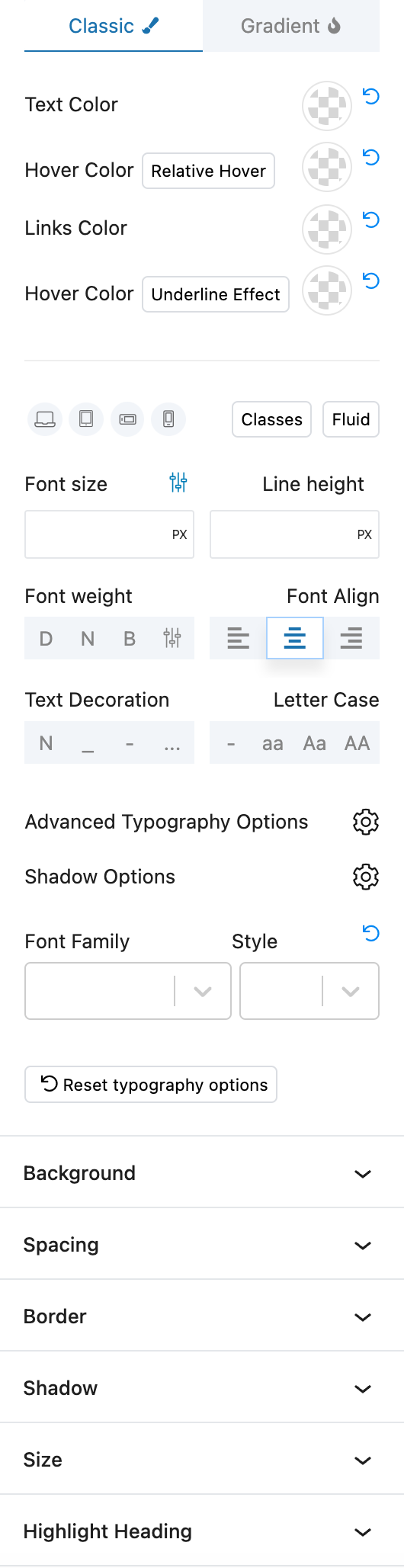
Almost everything in the Greenshift builder revolves around classes. That doesn’t mean you necessarily have to use them, but each block offers different ways to apply classes, which is very handy. For animations, for example, Greenshift uses a selector. This means that by clicking on the right block, you can indicate which block the effect or animation is targeted at.
Maps
Every builder has a map block. However, the Greenshift builder maps block also works with OpenStreetMap, so you don’t need a Google API (paid Google account). You can also add an unlimited number of markers, and you can give each marker a title and a description. The Map block is also suitable for dynamic data!
Breakpoints
Every builder has so-called ‘breakpoints’. That is the width of the devices screens to switch to another layout; such as desktop to tablet and tablet to mobile. Greenshift has an extra breakpoint: mobile landscape. This offers advantages when it comes to the break points for columns and queries. On a mobile, you usually want them to be among each other, while that is not necessary and even ugly and impractical if the mobile is kept horizontal.
Cache and speed
With an average Greenshift website, a cache plug-in is actually superfluous. Of course, it depends on the theme you are using, but the combination of Greenshift blocks and a good FSE theme doesn’t really need a cache plugin.
HMTL blocks
For the avid web developer (who believes everything is better built in HTML), Greenshift offers not only the ‘normal’ Greenshift Blocks but also Greenlight Elements. Greenlight Elements are smaller building blocks that generate even cleaner HTML output. The elements offer at least the same capabilities as the Greenshift blocks, work lightning fast, and provide a clear output. If you use the Greenshift Chrome extension, which converts a page or section entirely automatically into blocks, you get the output as Greenlight elements.
Dynamic data
Dynamic data is something Greenshift excels at. Whether it is data from your website, the WordPress database, or custom fields, Greenshift blocks work with it! The Greenshift query builder also has an incredible number of options for working with dynamic data. Greenshift is compatible with ACF, SCFG, ACPT, Metabox, and many more custom field providers. If dynamic data is important to you, Greenshift is the right choice.
Support
Support is good but occasionally a bit slow. With slow, I mean around 2–4 days. The fastest is the Greenshift Facebook Group, with a response of sometimes just a few hours. Their official support board is a bit slower, but lends itself well to the more complicated questions and bug reports. Because we naturally wanted to do this review thoroughly, we really tested every function thoroughly. So thoroughly that we also found things that you would probably never encounter during normal use; so yes, some blocks have a few minor bugs.
Positive
Greenshift builder works wonderfully. The plugin works well with most other Gutenberg Builders/Blocks, such as Kadence, GenerateBlocks, and the like, because they do not have interfering interactions with other themes and builders; they work nicely alongside each other. We even tested it on a Divi website and they did not seem to interfere with each other.
Negative
It takes some getting used to the fact that almost anything is possible. The first Gutenberg Block Builders often taught the user to live with limitations and to be able to create whatever you want within those limitations… Well, with Greenshift just about anything is possible, so it is difficult to find truly negative traits. It is of course strange to pair something positive with negative traits, but it gives a feeling of ‘oops, this is difficult,’ whereas in practice it doesn’t bother you because effects and animations really aren’t necessary everywhere. In short, some things are a bit complicated to use, but they are options you generally don’t find in other builders at all.
What I really don’t like is the native Greenshift formbuilder. If you are used to creating forms with pure HTML, you will be fine. But most people like a formbuilder to work as a… formbuilder. On the other hand, I am not so fond of most integrated form builders (except the one in Kadence Blocks Pro), so that is not a real disadvantage. A decent replacement would be the free version of Jetformbuilder.
The documentation is a disadvantage for some, myself included. Documentation does exist, but it is often very brief or consists of videos. Communication regarding certain options could also be better; I sometimes discovered them by chance. Documentation is the point where Greenshift loses half a point.
Conclusion of the Greenshift builder review
Highly recommended. It ‘forced’ me to integrate the Greenshift builder into my workflow alongside Kadence. Moreover, Greenshift has sparked my love for FSE themes. Admittedly, there are only a few good FSE themes, but Greenshift’s (free, by the way) works truly wonderfully. It’s so great that I’m going to combine multiple sites where I use Kadence Blocks with the Greenshift FSE theme and am considering using Greenshift exclusively.
Note
After the transition from Kadence to Liquid Web, many are seeking an alternative. Greenshift block-builder is one of the two alternatives I can recommend. See the full article on Kadence alternatives.
Review rating
Free version: Yes
Paid version from € 59,99
Greenshift block builder – absolutely amazing

Affiliate statement:
This post may contain affiliate links. If you click through and make a purchase, I may earn a commission at no extra cost to the buyer. You might even receive an extra discount!