Unequal rows with sections with Kadence
How to create a Kadence lay-out with unequal sections
Creating a row-block with different section-sizes is easy. But that means a section with 100% width, two 50% sections or 25-25-50%, etc. What if you want a 100% section and then a 40 and 60% section?
I’ll show you how to do it; and without a single line of code.
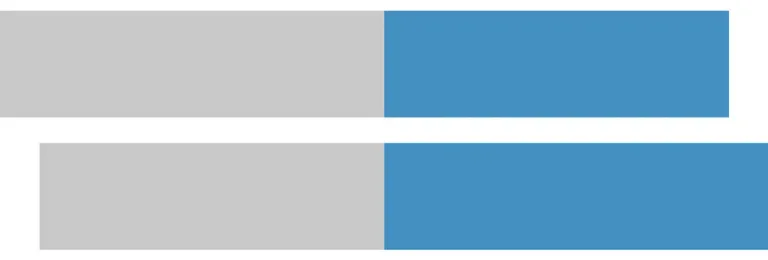
This is with sections only
section 1 – width 100%
section 2 – width 35% or…
section 3 – width empty
How to
- Section 0 – Flex horizontal, space in between (very important!), max width: empty, horizontal and vertical space: sm
- Section 1 – max width: 100%
- Section 2 – max width: 35%
- Section 3 – max width: 63% or empty (even better)
- Check tablet and mobile settings (section 2 on tablet and mobile for example 40%)
Note: the sum of the width of section 2 and section 3 is max. 98%; if you go higher, it doesn’t work.
This is with the same sections in a row block
section 1 – width 100%
section 2 – width 35% or…
section 3 – width empty
How to
- Create Row block, with only one section (section 0 we call it) remove all padding.
- Section 0 – Flex horizontal, space: space in between, max width: empty, horizontal and vertical space: sm
- Section 1 – max width: 100%
- Section 2 – max width: 35%
- Section 3 – max width: 63% or empty (even better)
- Check tablet and mobile settings (section 2 on tablet and mobile for example 40%)
Suggestion to adjust the mobile view, so they all collapse on mobile
Just set all 3 sections to 100% in the mobile view. Do not change flex direction.
section 1 – width 100%
section 2 – width 35% or…
section 3 – width empty