Kadence blocks review
Kadence block builder introduction
A Gutenberg Block Pagebuilder. Compatible with all block themes. Kadence Blocks is a real page builder, specially designed for the standard Gutenberg-Builder. I use the word ‘real builder’. That means it works in the same way and with the same functionality as you expect from a builder such as Elementor, Beaver Builder or Divi. Officially, it’s an expansion of Gutenberg. But in reality, Kadence Blocks is much more than that. It not only adds a lot of functionality to Gutenberg, but it also significantly improves Gutenberg (WordPress). Moreover, most users no longer need other plugin extensions after purchasing Kadence Blocks.
Kadence Blocks is also the trend towards ‘Pure WordPress’. The trend is real. A part of the WordPress-Builder and Design Community is tired of builders with compatibility problems and extremely slow websites. They choose to develop websites based on pure, authentic WordPress, aka Gutenberg.
Why? The reasons I just mentioned. A big and recurring concern is the compatibility between Gutenberg/WordPress with other plugins, that try to overrun or expand the WordPress functionality with non-WordPress technology. Examples are Elementor, Divi and to be honest, most other page builders. Many times there is a compatibility issue between those page builders and other plugins. Because that ‘old-school’ page builders use a lot of non-WordPress technology, installing other plugins causes many issues. If you want to experience it yourself, try Elementor, Divi, Breakdance, or Oxygen with an important plugin such as GeoDirectory: issues.
The second reason: speed. I had to rebuild our websites to believe it myself. Even without cache, the websites that are built with Kadence blocks are very fast. That is also one of the reasons why many WordPress professionals nowadays opt for Kadence blocks.
Have we tested the Kadence blocks? Oh sure, and how. We re-build all the websites from Elementor to Kadence blocks. The point is that Kadence blocks are not only good and stable, but that I also enjoy making websites again; It’s fun! Just the possibility to use the Kadence blocks together with the standard Gutenberg blocks is great. And no, you don’t have to “do” anything special to achieve that. You just build and decide which blocks you want to use.
Important: You can use Kadence Block Builder with any WordPress block theme. Whether it is from Kadence itself, Astra, Greenshift, GeneratePress, or Blocksy, to mention a few.
Market share of Kadence blocks
Kadence Blocks builder is a few years on the market now. During this time, the number of users of this Gutenberg-Builder has grown to more than 500,000 users. That is a lot, especially when you consider that the builder was promising in the beginning but still very basic in functionality. Kadence Blocks has already earned its place in the WordPress community. It would not surprise us if it became one of the most used page builders, over time.
First impression
The installation went smoothly. Just look for the Kadence Blocks plugin on WordPress.org, install it and activate the plugin; done.
Developer Kadence blocks
Kadence Blocks is, just like the Kadence theme, part of StellarWP. StellarWP is also the parent company of well-known WordPress plugins such as Learndash, SolidWP, The Events Calendar and Restrict Content Pro.
Costs
The Kadence Block Builder starts very affordably; they have a free version. This free version is so extensive that it’s enough for many users. To be honest, I bought the Pro version the same day; however, that is because I liked it a lot and work with dynamic fields often.
The Pro version is € 99,- per year, including the pro theme. How do you buy the Kadence Blocks Pro version? You can buy the Pro version on the developer’s website. Within a few minutes, you have your account there and you get the API code required for the Pro version. The Pro version is also a plugin. Simply log in to your new Kadence WP account, download the Pro plugin and install it on your website. You must keep the free version activated. Activate the Pro plugin with the API code that you received within your Kadence WP account. Done.
Functions of Kadence blocks
Row block
- The row block is the foundation of the Kadence blocks.
- Although it’s possible to place any block on a page, without a row or a section, that’s not always a wise decision. Using a row block or section, gives you more settings, like respecting the width of the page, setting it full width or whatever you like.
- The row block gives you the ability to choose how many columns you want; from one to nearly infinite.
- The row block itself has options like background, with color, image and even video. You can also add an overlay.
- Configuring the height of the columns to be the same is just a matter of checking an option.
- When using more than one column, you can select settings for every device; whether the columns are stacked vertically instead of next to each other.
Visibility
- Almost every block has visibility options; You can switch it on or off per device, and hide or show for logged in, or logged-out users.
Conditional
- Conditional rendering is also available for almost every block. You can determine whether it is displayed based on custom fields, titles, URLs, IDs, data, message type, taxonomy, status, author, and more.
Scroll animation
- Present in almost every Kadence block.
- Most effects are civilized enough to really use.
- Note: this is part of the Pro version.
Spacing
- Kadence Blocks offers many options for spacing. Whether it is text, the space between blocks, space between columns, margin or filling, everything is adjustable, down to the pixel.
Flexbox
- In 2021, WordPress introduced a feature for Gutenberg that is not yet used by everyone: Flexbox. This is, in fact, an imaginary box in which you can adjust everything afterward. In contrast to certain grid builders where you choose a predefined layout of courses or columns in advance. Flex means that you can (even afterward) determine whether objects are shown horizontally or vertically, how many columns there are, the alignment, and well, everything.
Advanced text block
- Suitable for any type of text, from H1 to paragraph text.
Icon list
- To create a list, just like Gutenberg but with all kinds of icons as desired.
Advanced image
- To place an image, but with many, many options.
Other options of Kadence blocks
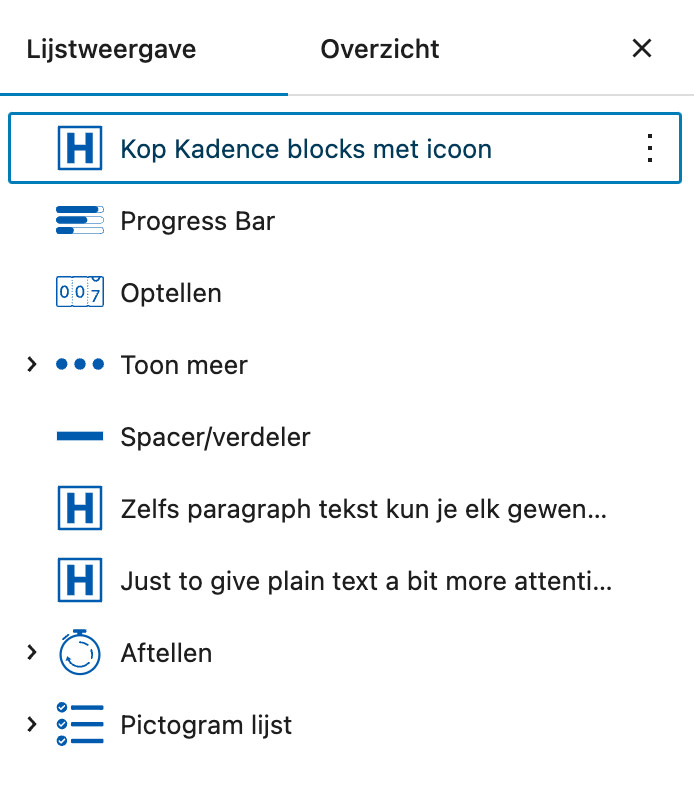
- Accordion (fold -out field with many options such as standard open or closed, icon according to your wishes, when one opens, the other, backgrounds, fonts, colors)
- Tabs (with many options such as standard open or closed, horizontal, vertical, frame or not, icon according to your wishes, backgrounds, fonts, colors).
- Advanced buttons (many options, uses the colors of the theme and can be adjusted as desired).
- Video-pop-up * (shows an image and when clicked on it, the video opens on a width of your choice. Works with the library, YouTube and own URL-Hosting)
- Advanced sliding controller * (to simply place a text column and an image column next to each other, while on other screen formats, such as a tablet or smartphone, they stay on each other)
- Pro-gallery *
- Lottie-animations *
- Info box
- Forms (for creating simple forms)
- Advanced form (creating advanced forms)
- Countdown
- Google Maps
- Posts grid
- Show more… (you can literally use each block, from text to video)
- Content grid/carousel
- Posts carousel *
- Product carousel for WooCommerce *
- Image overlay *
- Dynamic HTML block (to place or display HTML content)
- Dynamic list (displays lists with categories, tags and adapted message meta)
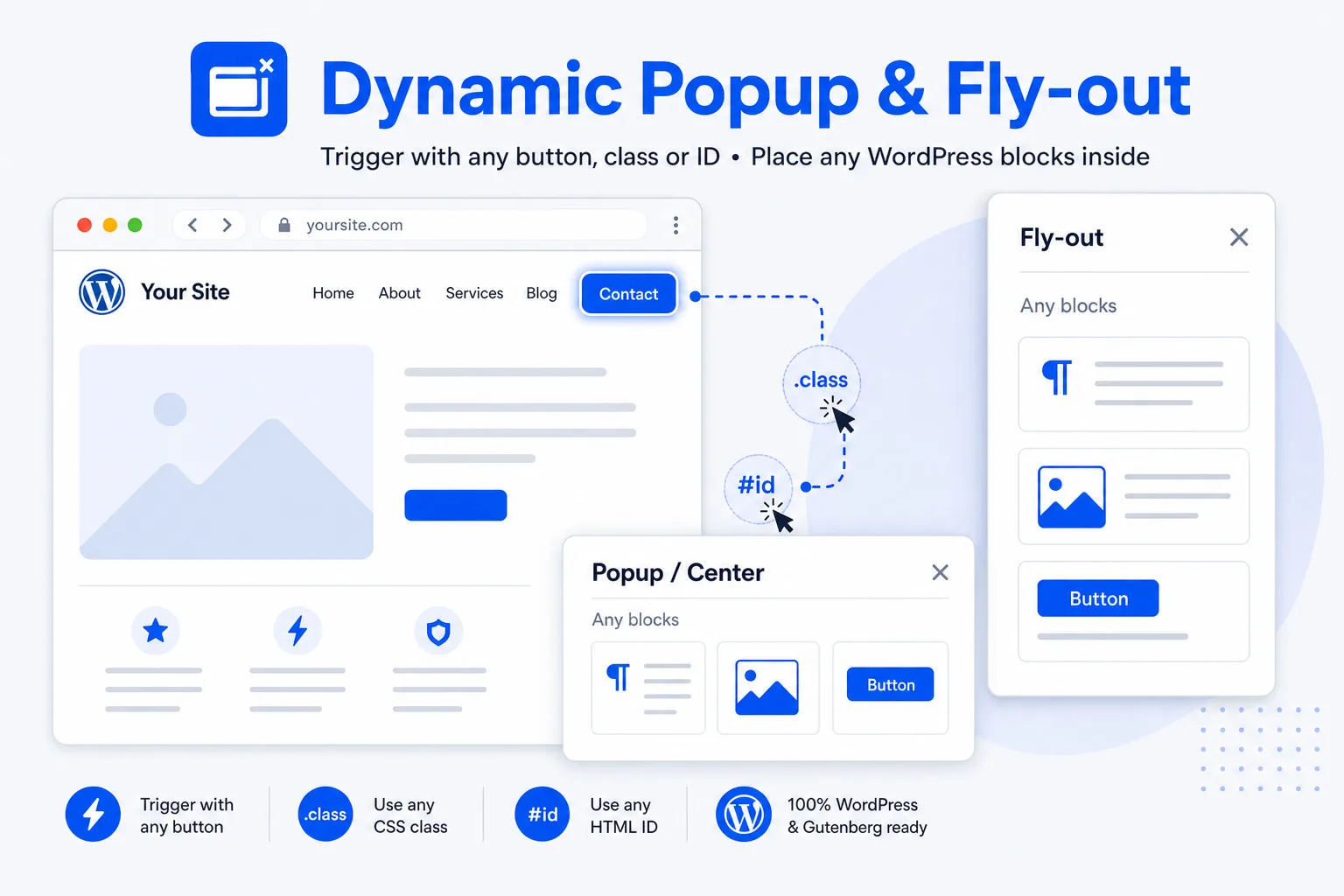
- Modal * (Each object can be a trigger for, for example, a video pop-up)
- User info
- Tooltips
*Important: * is part of the Pro version.
Support
Kadence support is good. Despite the rapid growth they are going through, they have an active support team that also knows what they are doing. There is also a very active Facebook group where you can learn a lot, and in turn share with others.
Positive
It is the first pagebuilder we ever used, that didn’t cause any issues with other (large, significant) plug-ins. Such as Learndash or GeoDirectory. It is fast while building and gives me very (very) beautiful speeds, close to 100%.
Negative
After long thought, we were able to find several negative points. A few simple Gutenberg blocks are still missing. Such as OpenStreetMap, Star Review Rating, Process (Timeline), Hotspots (ideal for courses such as Learndash …), and Flipbox.
Conclusion
Kadence Blocks seems to be the perfect Gutenberg WordPress builder. We are so happy with it that we have completely re-build all our Divi and Elementor websites … with Kadence Blocks and the Kadence theme. That immediately gave us a big advantage: we were able to remove almost all CSS code and most PHP code features. Why? Because all the conflicts between the Builder, the theme and other plugins had completely disappeared.
- Conflicts between the Builder and GeoDirectory and constantly looking for solutions? Gone.
Conflicts between the Builder and Learndash and CSS and PHP? Gone. - Extra CSS for WooCommerce? That is no longer necessary.
- Looking for solutions to issues that should not have been there in the first place? Unnecessary; we now have time for other things.
- Extra PHP code to make the Divi-video element dynamic? Gone.
The only time we use CSS now is to add functionality, not to solve issues that should not have been there.
Are there no other good builders?
Certainly. For example, when I look at Breakdance, Bricks, GenerateBlocks, Stackable and Greenshift, I see wonderful things. We also tested them extensively and made several test websites with them. Why did we choose Kadence? Because Breakdance and Bricks both cannot get along well with plugins such as Learndash, LifterLMS, GeoDirectory, and many others. Because Greenshift is ‘almost’ there, but not yet. Only Gutenberg can offer that level of compatibility, and Kadence has reached that level of maturity. Kadence Blocks builder is highly recommended. We actually recommend the Pro version. If you don’t like it; They have a no-questions-asked 30-day money-back policy.
NOTE:
- The Kadence builder, theme an all other plugins are the property of Liquid Web now and have an entirely new pricing structure. The most affordable is actually an excellent deal (better than before) but the other plans are very expensive and according to their support for 1 website only.
Review rating
Free version: Yes
Paid version from € 99
Kadence blocks review

Affiliate statement:
This post may contain affiliate links. If you click through and make a purchase, I may earn a commission at no extra cost to the buyer. You might even receive an extra discount!