Dynamic Templates & Elements
Are you using a theme you like, but are you missing the incredible template and element functionality of classic themes like Kadence, Blocksy and GeneratePress? We offer enhancements for Classic, Hybrid and FSE themes.
Dynamic Templates & Elements plugin
Working with different templates and elements
Template assigner
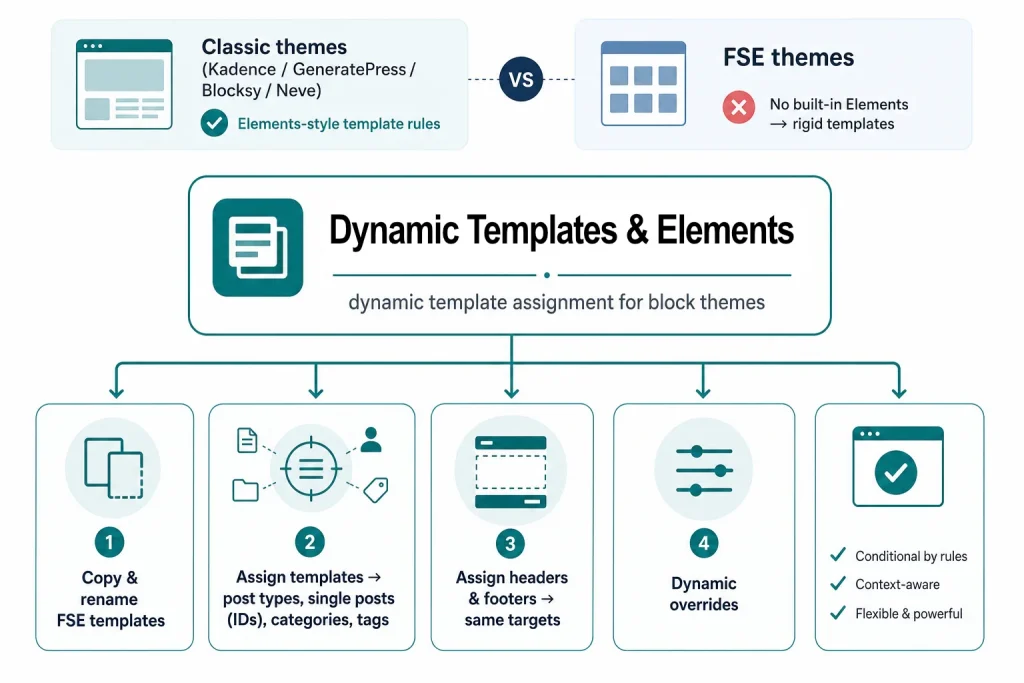
Most classic WordPress themes and all FSE (Full Site Editing) themes miss flexibility when it comes to working with different templates. We provide identical capabilities for classic themes through the element feature.
Elements
Something that’s often missing in any theme is an Elements feature.
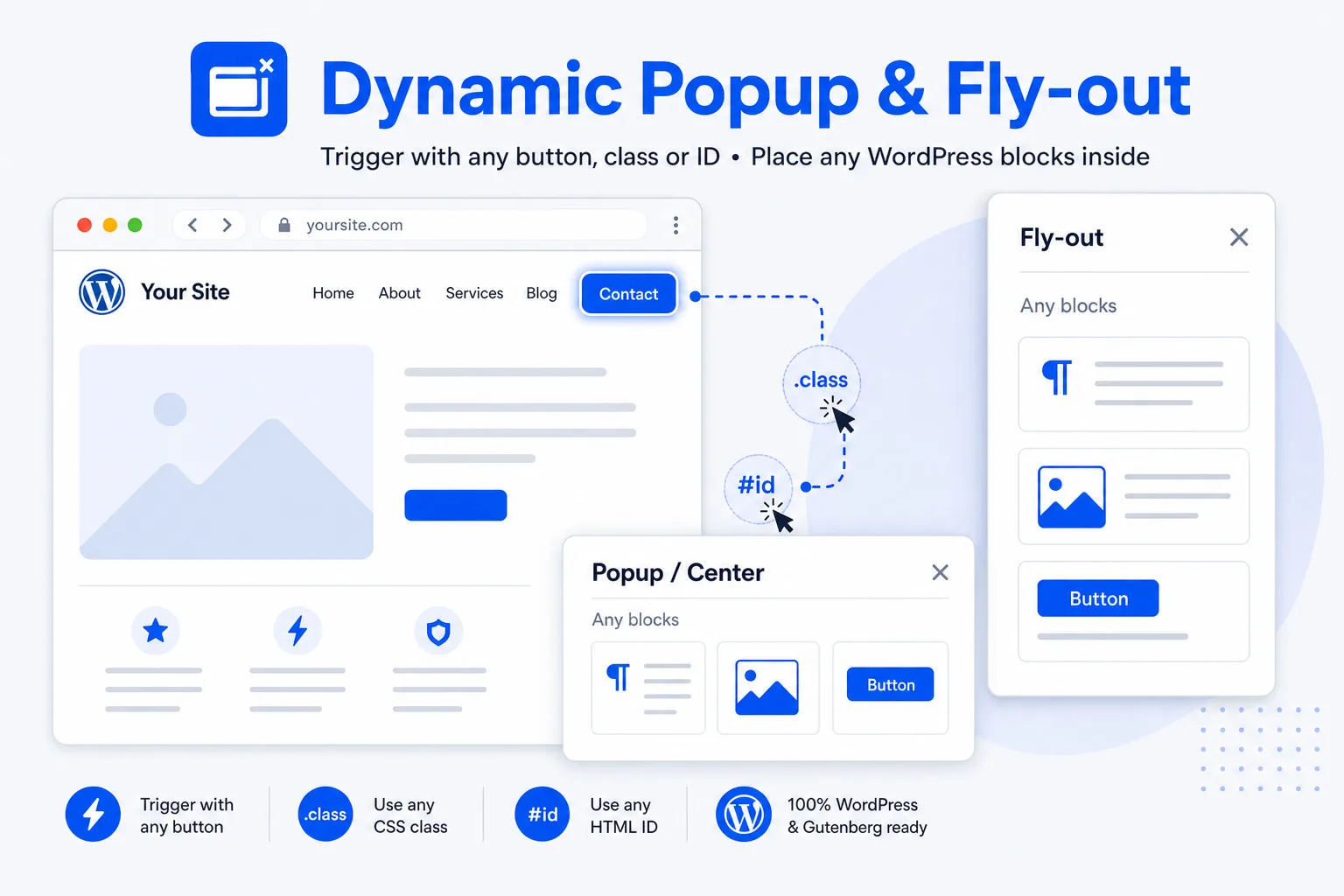
Default elements are perfect for the placement of a popup or flyout block site-wide, or anything you like.
Fixed Elements
Something that’s also regularly missing in any theme is the Fixed Elements feature.
Fixed elements are ideal for floating buttons, logos, brands, social media icons, scroll to top, etc. The plugin installs a real and usable floating button example.
Go to top
The plugin has a default fixed element ‘Go to Top’ (Scroll to top). You can copy and edit the element. The plugin provides 2 classes; one to turn a native button into a go-to-top button, the other to make every element behave as a go-to-top button.
Page content elements
Except for a few premium classic themes, this is one of the most important features for any site builder. Being able to create your own content element template for posts, pages, and custom post types. The best thing? Elements just replace the content part, not the headers and footers. FSE themes already have editable templates, but even then, working with page content elements is a lot easier and faster; you just design, assign and save.
WooCommerce product elements
Ever wanted or needed to create your own – totally customized – WooCommerce product design? With added images, text, and video? Or maybe just a cool minimalistic product page. You can create your own WooCommerce product template, even several of them, and assign them to your products, all of them or targeted by post ID, category and even tags! This is for classic themes; we provide the same capabilities for FSE themes through the template assignment feature.
FSE theme headers & footers
Ever wished there was an easy way to show a post type or a specific page with another header or footer? I mean, copying and replacing headers and footers in templates can take time… well, not anymore! The plugin provides a better way to handle headers and footers. Copying, assigning per posttype, ID, category, tag, etc. This feature is exclusive to FSE themes due to the inherent characteristics of classic themes.
Dynamic page content block
The plugin provides a special Gutenberg block to show the user-created content on an element. When working with elements and templates, it is actually best to work with custom fields. However, sometimes you also want to be able to display user-placed content. That is what the dynamic page content block is for.
Export and Import
Export and import functionality is available for FSE templates, template parts, headers, footers, and elements. The file format is JSON (universal). You can use this for backups or to exchange templates, template parts, headers, footers and elements between sites.
Vertical text
We’ve added something extra: vertical text. Most themes don’t support vertical text for standard Gutenberg blocks. We support both the international variant (top-to-bottom) and the Western European variant (bottom-to-top). This also works site-wide (optional).
For Classic and FSE themes
The solution many developers need
Traditional themes come with significant constraints related to templates, including WooCommerce templates. While Full Site Editing (FSE) addresses some of these issues, it still has its set of limitations, particularly when it comes to user-friendliness. For some developers, the need for specific features makes them reluctant to transition to FSE. Fortunately, the Dynamic Templates & Elements plugin effectively resolves these challenges.
The plugin is tested with those themes
- Kadence
- Blocksy
- Neve FSE
- Greenshift
- Twenty-twenty-five
- Frost
- Fork
- Ollie
- GeneratePress
Dynamic Templates & Elements is a freemium plugin with free and premium features.
Solution: Dynamic Templates & Elements
Dynamic Templates & Elements
Free version
Conclusion: basic
- Unlimited websites
- Assign FSE templates by type or post ID (max 5)
- Max 2 enabled template rules
- Replace post type (pages)
- Copy FSE elements
What you are missing
- Unlimited template rules
- Dynamic assignment
- All rule types (archives, categories, tags, custom taxonomies, etc
- Custom post types and WooCommerce
- Exclusions
- Headers and footers
- WooCommerce product elements
- Elements and fixed (floating) elements
- Receive updates

Dynamic Templates & Elements
$ 29 one-time
Conclusion: good choice
- Activation on 5 websites
- Assign by post type, specific posts or pages, category, tag or ID – exclude by ID, slug or taxonomy
- Assign FSE headers and footers
- Copy FSE templates, headers and footers
- Elements and fixed (floating) elements
- Scroll to top (Go to top)
- Unique WooCommerce product elements
- Create single templates for classic themes.
- Perfect balance of features and simplicity
- Interested in more plugins and receive a 50% discount? Take a look at our All-in plan.
Dynamic Templates & Elements
$ 49 one-time
Conclusion: excellent choice
- Activation on 25 websites
- Assign by post type, specific posts or pages, category, tag or ID – exclude by ID, slug or taxonomy
- Assign FSE headers and footers
- Copy FSE templates, headers and footers
- Elements and fixed (floating) elements
- Scroll to top (Go to top)
- Unique WooCommerce product elements
- Create single templates for classic themes.
- Perfect balance of features and simplicity
- Interested in more plugins and receive a 50% discount? Take a look at our All-in plan.
All-in plugin pack
50% Discount
Conclusion: best choice
- Activation on 25 websites
- Compatible with Stackable, GenerateBlocks, Greenshift, GutenKit, Kadence and more
- For classic and fse themes
Choose from these plugins
Pro versions:
- Insight Popup & Flyout
- Insight Maps
- Insight Menu Block
- Dynamic Accordion
- Dynamic Video Player
- Flexible Layout Section
- Dynamic Templates & Elements
Discount all-in-plan
- Add plugins totaling at least $245 and apply the 50% discount coupon (ALL-IN-PLAN) and pay only half off your purchase.
Amazing plugin
- This plugin gives you a wide range of possibilities.
- Free of one-time payment (lifetime license).
- Automatic update notifications.
- Good documentation.
Purchasing the Dynamic Templates & Elements plugin
Dynamic Templates & Elements
- It’s a freemium plugin. Free remains free but has limited features.
- The plugin is sold with a lifetime license. There is a plan for 5 or 25 websites and you can acquire the plugin as part of the ALL-IN plan.
- You can check your available slots at: https://server.wpinsight.eu/validate-key/