Disable User Login
Disable User Login
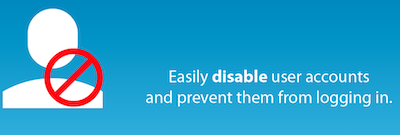
With this plug-in you can disable specific user accounts via a profile setting. After installation and activation, a check box appears in the user profile settings (only for administrators). When this is checked, the user’s account is switched off and they cannot log in to the account. If they try to log in, they are immediately logged in and forwarded to the login page with a message that their account has been switched off. This can be useful in a number of situations: you want freelance writers still to appear in the authors’ profession, but you do not want them to be able to log in. – You have former employees who have written messages and you do not want to delete them or assign their messages to other users, but you want them to be displayed in the ‘authors’ box. – You work on a site for a customer who has an account, but you don’t want him to log in and/or make changes during development. – You have a customer who has an unpaid invoice.
Advantages of Disable User Login
It is a free plug-in.
Conclusion about Disable User Login
Recommended!
Affiliate statement
This post may contain affiliate links. If you click through and make a purchase, I may earn a commission at no extra cost to the buyer. If possible, you will even get an additional discount.