Insight License Server

Distributing and authenticating WordPress plugins
If you developed a premium plugin or theme and like to distribute it, you do need a good license, file and update server. With or without WooCommerce.
License key server for WordPress plugins and themes
When you have been working with a license key server for WordPress products, you already know what the server plugin or SaaS offers isn’t always what the developer needs.
Furthermore, nowadays it is important to have a system that can navigate the global maze of sales tax—ideally one that integrates with a payment provider that also acts as the “merchant of record.”
Meet Insight License Server
Basics
Feature
Pro
- Delivers license keys and updates for plugins or themes, with or without WooCommerce

- WooCommerce is optional. Without it, the server provides native products as a private post type
- Validate License keys - public page with detailed feedback.
- Activates and validates license keys sold by WooCommerce, or any other external sales-channel.
When using an external sales-channel, the first plugin activation sets the key to activated.
- Works with Lifetime keys and Time-limited license keys.
- Automatically creates a renewal order before a license expires and sends a payment request, including a link.
No subscription plugin needed and works with every WooCommerce-compatible payment provider.
- Update plan mechanism
Settings
Feature
Pro
- Company name is used in the activation-mail subject. Empty uses the site name.
- Server URL locks to this site address on first save. A copied site refuses API calls until an admin replaces that lock.
- Fallback icon and banner.
- Product meta key is locked as _ils_tested_up_to.
- Support form URL turns the Support menu item into that link.
- Unassigned keys may activate, and a new activation requires an admin email. Both default on.
- Activation email defaults on, to the WordPress admin address or a custom address. An invalid custom address sends nothing.
- Empty-stock mail has no off switch. It goes to the admin address or a custom address.
- Logo for notification mails.
- Signature on key-admin mails and notifications.
- Product data box above the description on the classic editor, default on.
- The block editor is left alone.
- Max keys per run, default 1000, hard ceiling 20000.
- Contact log on, kept 3 months, with a 3000-row cap. Uninstall keeps the tables unless delete-on-uninstall is on.
- Sends automatic renewal emails with payment link - or not (with per key override).
- One zip file per product for all variations, or per variation (with per product override).
Products
Feature
Pro
- With WooCommerce: License tab on simple, variable, and downloadable products.
- Stored: icon, banner, homepage, software version, changelog, min PHP, min WP, tested up to, one software file, key mode, pattern, charset, and the tiers.
- Old changelog, min PHP, and min WP values are shown and written back. They are not deleted.
- Homepage falls back to the product page.
- Banner falls back to the global banner.
- Icon falls back to the global icon.
- Zip for all the tiers of a product; a selected Woo download, or the software-file URL.
- Products list: Version, Version up to, Homepage.
- Stock shows one line per tier, or Live.
- Price shows one line per tier from the variation (empty when not using Woo as the store).
- Conditional purchase: product x or x has to be purchased - Optional: old key deactivated.
- Connect products to Payhip products (Payhip is a merchant of record)
License tiers
Feature
Pro
- Stored on the product.
- A new product starts by default with one tier: next code, Single site, 1 domain, lifetime.
- Tier codes are fixed. Deleted codes are not reused.
- Also covers adds other products to keys of that tier. The activation limit is one shared pool of sites.
- Direct buy URL is returned by the API. It does not change the Woo add-to-cart button.
- Variation ID maps a Woo variation to the tier. No match uses the first tier.
- Valid for days: 0 or empty is lifetime. The clock starts at sale, or first activation of an available key.
- Key mode defaults to pregenerated. Live stores pattern, charset, and exclude-ambiguous.
Keys
Feature
Pro
- Statuses: available, sold, activated, expired, cancelled.
- A manual status change locks the key. A Woo assign sets sold and clears that lock.
- customer_email is the buyer. admin_email is the site admin from activation. Validate updates the activation row, not the key admin email.
- A repeat activate of the same domain can replace the key admin email.
- The daily job expires unlocked available, sold, and activated keys past their date. Cancelled, locked, and lifetime keys are skipped.
- Manual Renew adds the key’s valid-for days. Lifetime cannot be renewed.
- A new expiry can send the expiry mails again.
- Start renewal proces with the expiry date within 30 days, or not
- Keys can optionally be blocked automatically when a higher plan is purchased.
Activations
Feature
Pro
- One row per site. The same domain cannot be active on two non-cancelled keys that cover the same product.
- Repeating activate for the same domain updates last seen and does not use another slot or send the activation mail again.
- Deactivate frees the slot. With no sites left, an unlocked Activated key returns to Sold.
- Limit 0 is unlimited.
- Excluded in activ: dev, (not .dev) test, staging, localhost
- For one product, or several products.
WooCommerce
Feature
Pro
- Runs on processing and completed. Each line is handled once.
- A product with no tiers is skipped.
- It looks for the newest sold, activated, or expired key for the same product, tier, and customer or billing email.
- Available and cancelled keys are not reused.
- If that key exists, both Live and Pregenerated extend it.
- The new term replaces the valid-for days. Lifetime clears the expiry. The previous expiry is stored so a cancel can restore it.
- If no key exists, Live creates one from the product pattern. Pregenerated takes the oldest available key for that product and tier.
- Empty stock leaves an order note, sends the empty-stock mail, and retries later.
- Quantity above 1 still assigns one key.
- Cancelled, refunded, or failed: a newly assigned key becomes cancelled.
- A renewal restores the previous expiry.
- With setting 'Description field in Woo products' a description tab is added with rich text options
- Renewal email with payment link for time-limited keys, without additional subscription plugin.
Emails
Feature
Pro
- Activation mail: first activation of a domain only to the site admin or custom address. Plain text, no logo, no signature.
- Empty-stock mail: when a pregenerated sale finds no key. No off switch.
- Three expiry mails, default on, once per expiry date.
- A renewal can send them again. Off sends nothing. Lifetime keys get none.
- Nearly expired to the key admin email, default 14 days. Logo and signature when set.
- Expired to the key admin email, on the first daily run after the expiry time. No day field.
- Nearly expired to the WordPress admin email, default 14 days. Logo, no signature.
- Create notifications: one mail per key admin email. Filters: product, tier, and status. Logged.
- Adds a download email message including an active link, For example for a required free version
Tools
Feature
Pro
- Import: txt, one key per line, up to 2000 lines. Status available. Days default to 0. Limit comes from the tier.
- Bulk generator: count is capped by Max keys per run. Active makes available keys. Unchecked makes cancelled keys.
- Export keys: key strings, filtered by product, status, and tier.
- Export key details: chosen columns only. Email is the customer email.
- Domains are the active sites.
- Insight Integration for Payhip plugin to connect WooCommerce with Payhip as payment provider only.
API
Feature
Pro
- ils-api = activate_key|deactivate_key|validate_key|get_version
- REST /wp-json/insight-license/v1/
- For migrating purposes the API is compatible with the WCKM api also:
- Refused when the site is not HTTPS or the locked server URL does not match.
- Key and instance (like domain) are required.
- A multi-product key also needs the product id. A sent tier must match.
- Activate fails for cancelled, expired, no slots, a domain used, or a missing admin email when required.
- Validate requires an active domain. It does not change the key admin email and sends no mail.
- Version data is returned only when the key is valid for that site.
Admin
Feature
Pro
- Settings & Guide, Tools, Create notifications, Email content, Keys, Activations, Log, License, Support.
- The License screen stores this plugin’s own key. It is not checked against the API.
- Support opens the support URL, or asks for one.
- Adds a quick link to the front-end admin menu for Products
Plugin or theme integration
Feature
Pro
- A plugin or a theme can call the same API. The caller sends the key, the site URL, and the product id when the key covers more than one product.
- Response includes the activation limit, sites used, remaining, the tier, expiry or lifetime, client version.
- A WordPress update notice can include the changelog, the banner, the icon, tested up-to, minimum PHP and WordPress, and the download.
- The file for an agent is INTEGRATION-PROMPT.md, next to the plugin. It describes the calls and the fields to read.
- The file for the owner is CLIENT-INTEGRATION.md, it tells you what the agent needs to integrate the license key.
File download and update management
Feature
Pro
- Feed the WP description with a custom Woo description field, Woo short description or the custom post product.
- WooCommerce variation files: a file per product (for all variations) or a file per variation. Updates follow that setting.
- Native products: always one zip, and every tier updates from that file. There is no separate zip per tier.
Requirements
Feature
Pro
- Insight License Server needs WordPress 6.0 and PHP 7.4
- Needs HTTPS on both WordPress site addresses.
- Admin screens need manage_options; so admins or user-roles with (reading) capability of an admin.
- Valid License for the Insight License Server
Insight License Server
- For WordPress themes and plugins
- License key server with or without WooCommeerce
- Update notifications
- Handles different product tiers
- Live key generator or pregenerated keys
- Lifetime and time-limited keys
- Add and adjust keys manually
- Import and export of keys
- Log of activations, successes, or errors
- Works with all payment providers
- Can use payhip as a payment provider *
- Works with coupons
- Several products can share one key
- Send automatic renewal requests (core)
- Works with subscription plugins
- Selling of products on other websites, with automatic syncing to WooCommerce and the key license server *
- Conditional buy (order only if you bought xx earlier)
- Automatic upgrade system with with a discount for remaining days
- Automatic upgrade system for lifetime to higher lifetime plans
- Send email notifications to customers
- ‘Download email message’ for the customer email
- Customizable email content
- Easy API & Integration.md file for your AI agent
- ** Payhip is a merchant of record, that means thay take care of all sales-tax requirements, including Canada, USA en the EU.
- * Requires ‘Insight Integration for Payhip’ (free for users of Inight License Server).

All-in plugin pack
25% Discount
- Purchase plugins with a discount
- Most plugins are FSE and classic theme compatible, some are FSE only
Pro versions:
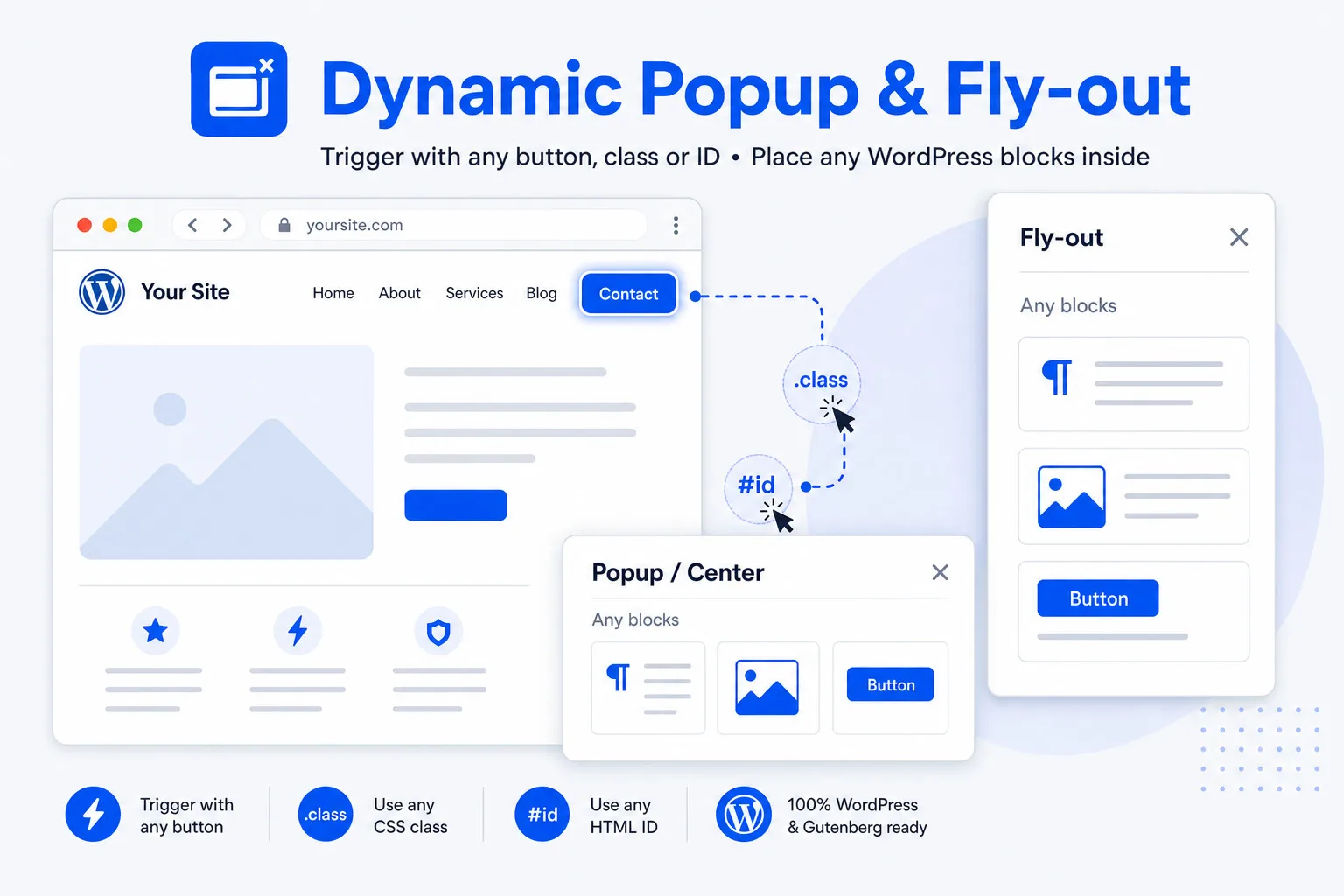
- Insight Popup & Flyout
- Insight Maps
- Insight Menu Block
- Insight Pricelist
- Insight Comparison List
- Insight Templates & Elements
- Dynamic Accordion
- Dynamic Video Player
- Flex Layout Section
- Maintenance & Rescue
- Double opt-in Kadence forms
Discount:
- Add plugins for $245 or more and use the coupon (ALL-IN-PLAN) for 25% off.